Personalised digital card
Add your details, branding, and links — all in one sleek card that looks great on any device.

Access your cards instantly from your home screen.

NexCard is a modern digital business card app that helps professionals share contact details quickly, stylishly, and sustainably — no paper required. Create your personalised card and share it instantly via QR code or link.
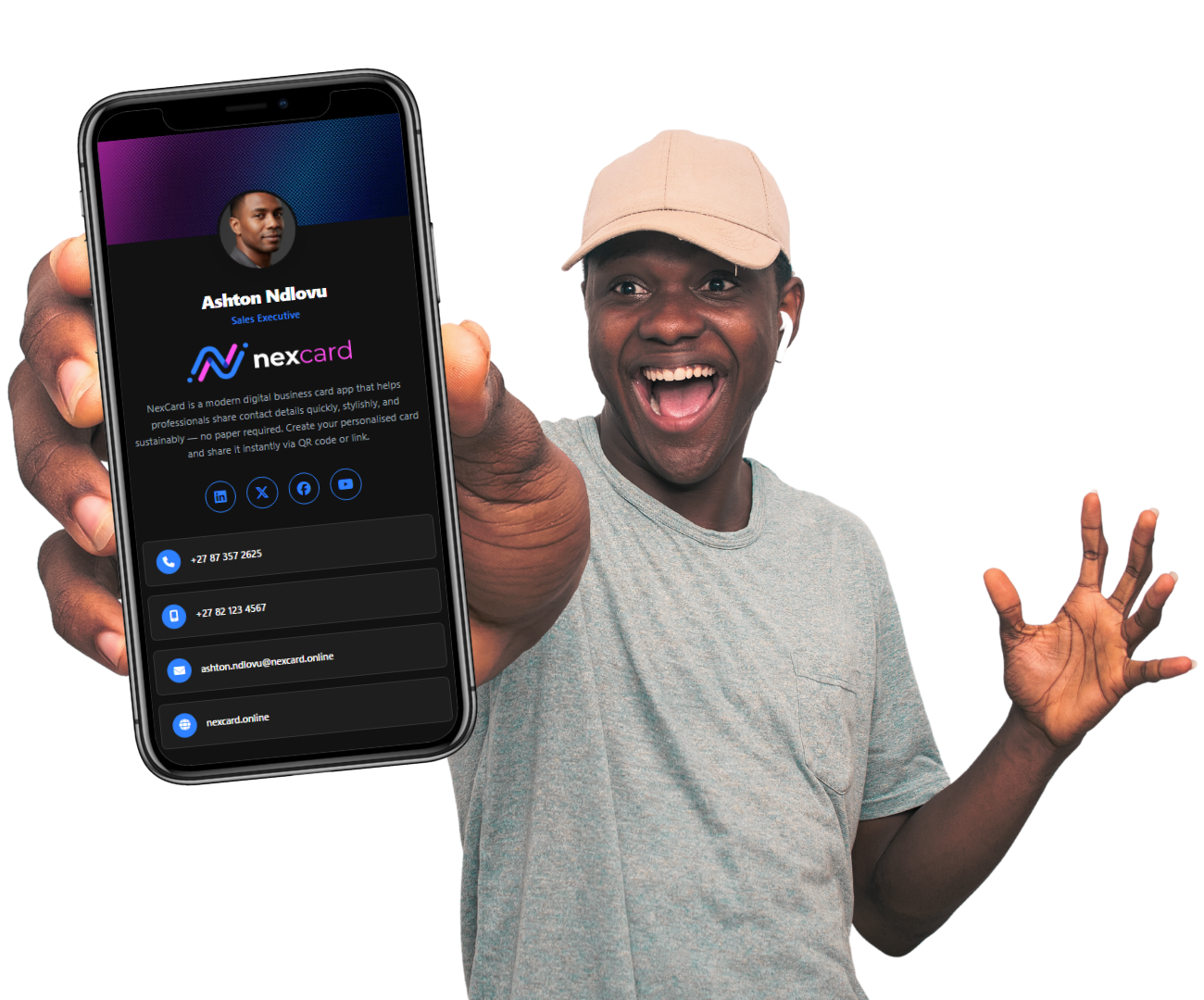
Create a personalised card with your name, role, company, phone, email, website, address, and social links — then share it instantly and keep it up to date.
Add your details, branding, and links — all in one sleek card that looks great on any device.
Instantly share in-person or online — scan a QR, use the Share button, or send a link in seconds.
Changed your number or role? Update once and your latest info is always what people see.
Make it easy for others to store your details — clean, fast, and friction-free.
Stand out with a modern look that matches your brand and keeps your networking sharp.
Share only what you want — and keep control of your information as it evolves.
Set up your card once, then share it anywhere. No printing. No reprinting. No clutter.
Add your name, role, company, contact info, website, and social links. Make it uniquely yours.
Share via QR code, a link, or share button — perfect for meetings, events, email signatures, and socials.
Your details change? Update them in seconds. Everyone always sees your most current info.
See engagement and keep your networking organized — a smarter way to build real relationships.
Create your NexCard in minutes and start sharing with a single scan, or link.
Choose the plan that fits your needs. No hidden fees, no surprises.
Quick answers to common questions about NexCard.
Share it via a QR code, direct link or share button — whichever is easiest for the moment.
Yes. Update your details in real time so contacts always see your latest information.
It’s faster to share, easier to update, more sustainable, cheaper than traditional paper cards and much harder to lose.
No. A QR scan or link works on any modern phone browser.
Yes. Simply click the Save Contact button, and the vCard is downloaded. The user can then click Save Contact which creates the contact card on their phone immediately.